For Finale users
From Finale to Maestro
In 2024 MakeMusic stopped developing and selling Finale. Maestro was made for the people who used it: it opens your .musx files, has the same Main Tool Palette and the same shortcuts, and it is free.
In three steps
Bring your scores into Maestro.
- 1
Download Maestro
For Mac (macOS 14 or later) or Windows 10 and 11. Free, with no limitations and no account.
- 2
Open the .musx file
With File → Open, or drag it onto the window. You don’t need Finale installed: Maestro reads the file on its own.
- 3
Check and save
If something couldn’t be imported, Maestro tells you right away. Then save the score as a Maestro document (.maestro).
Got files in the old .mus format (Finale 2011 and earlier)? Maestro can’t read them: open them in Finale while you still have it and save them as .musx, or export them to MusicXML.
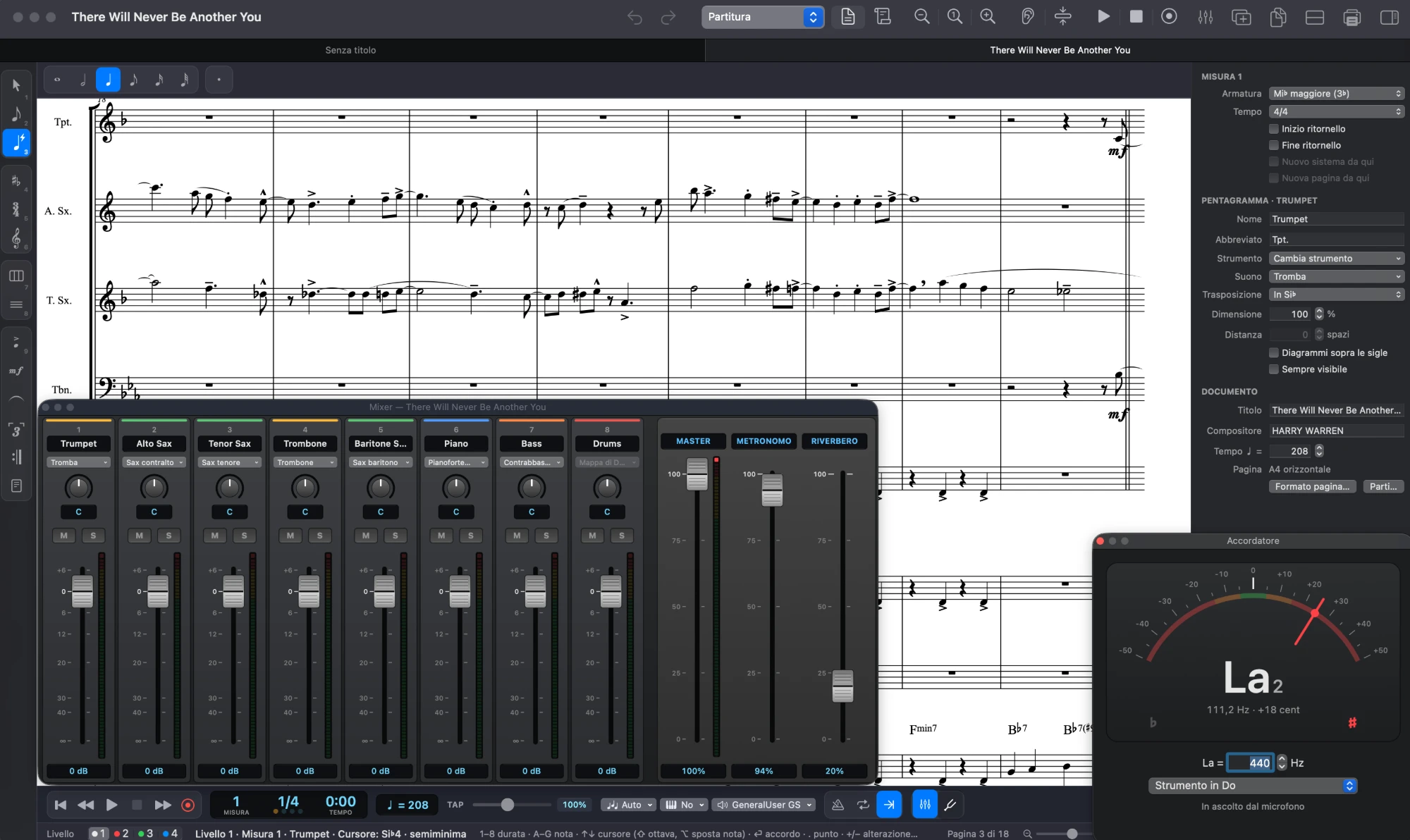
Your habits still work
The tools you know, where you expect them.
Maestro builds on Finale’s concepts, often with the same keys. On Windows ⌘ becomes Ctrl and ⌥ becomes Alt.
From the .musx file
What comes across, and what to check.
Maestro reads .musx files from Finale 26 and later, and those saved as .musx with Finale 2012–25. In our test files, systems and pages come out the same as in Finale almost every time.
Comes into the score
- Notes, rests, chords and all four layers
- Ties and slurs, tuplets, grace notes
- Instruments with names, transposition and clefs
- Key and time signatures, clef changes
- Articulations, dynamics, hairpins, glissandos and octave lines
- Expression texts, tempo marks and rehearsal letters
- Chord symbols, including those set in the Broadway font
- Lyrics, with hyphens
- Repeats, endings, segno, coda, D.C., D.S. and Fine
- Percussion map, slash and rhythmic notation, measure repeats
- Braces and brackets, system and page layout, page size and margins
Worth checking
- Notes in “voice 2” within a layer are not imported: Maestro tells you how many there are.
- Changes made only in the parts: the score version is used, and Maestro rebuilds the parts itself.
- Lines other than slurs, hairpins, glissandos and octave lines, and non-standard repeat texts.
- Six-line tablature comes in as five-line staves.
- If you prefer Maestro’s layout to Finale’s: Document → Layout → “Return to Maestro’s Layout”.
Frequently asked questions
Before you switch.
Do I need Finale installed?
No. Maestro reads .musx files on its own, even on a computer that has never had Finale.
Is Maestro really free?
Yes, with no limitations, no subscription and no account. It updates itself when a new version comes out.
Can I save as .musx?
No: Maestro saves in its own format (.maestro). To move a score to Finale, MuseScore, Dorico or Sibelius, use File → Export MusicXML.
Does it work on Windows?
Yes. Finale import is the same on Mac and Windows, and a score saved on one opens on the other.
What about my MusicXML and MIDI files?
They open too, including compressed MusicXML (.mxl). Maestro also exports to PDF, MIDI and audio (M4A or WAV).
Open your first Finale score.
Download Maestro, open a .musx file and pick up where you left off.