For Dorico users
From Dorico to Maestro
Maestro opens Dorico projects directly, without going through MusicXML: players, flows, notes, markings and text become a Maestro document, ready to edit, and the project stays as it is. And it’s free, for Mac and Windows.
In three steps
Bring your projects into Maestro.
- 1
Download Maestro
For Mac (macOS 13 Ventura or later) or Windows 10 and 11. It’s free, with no limits and no account.
- 2
Open the .dorico file
With File → Open…, or by dragging it onto the window. You don’t need Dorico installed: Maestro reads the project on its own, without changing it.
- 3
Check and save
If something wasn’t imported, Maestro tells you right away. Then save the score as a Maestro document (.maestro).
Opening Dorico projects is new and still in beta: if something doesn’t look right, write to us and attach the .dorico file. MusicXML is always there as an alternative (in Dorico, File → Export → MusicXML).
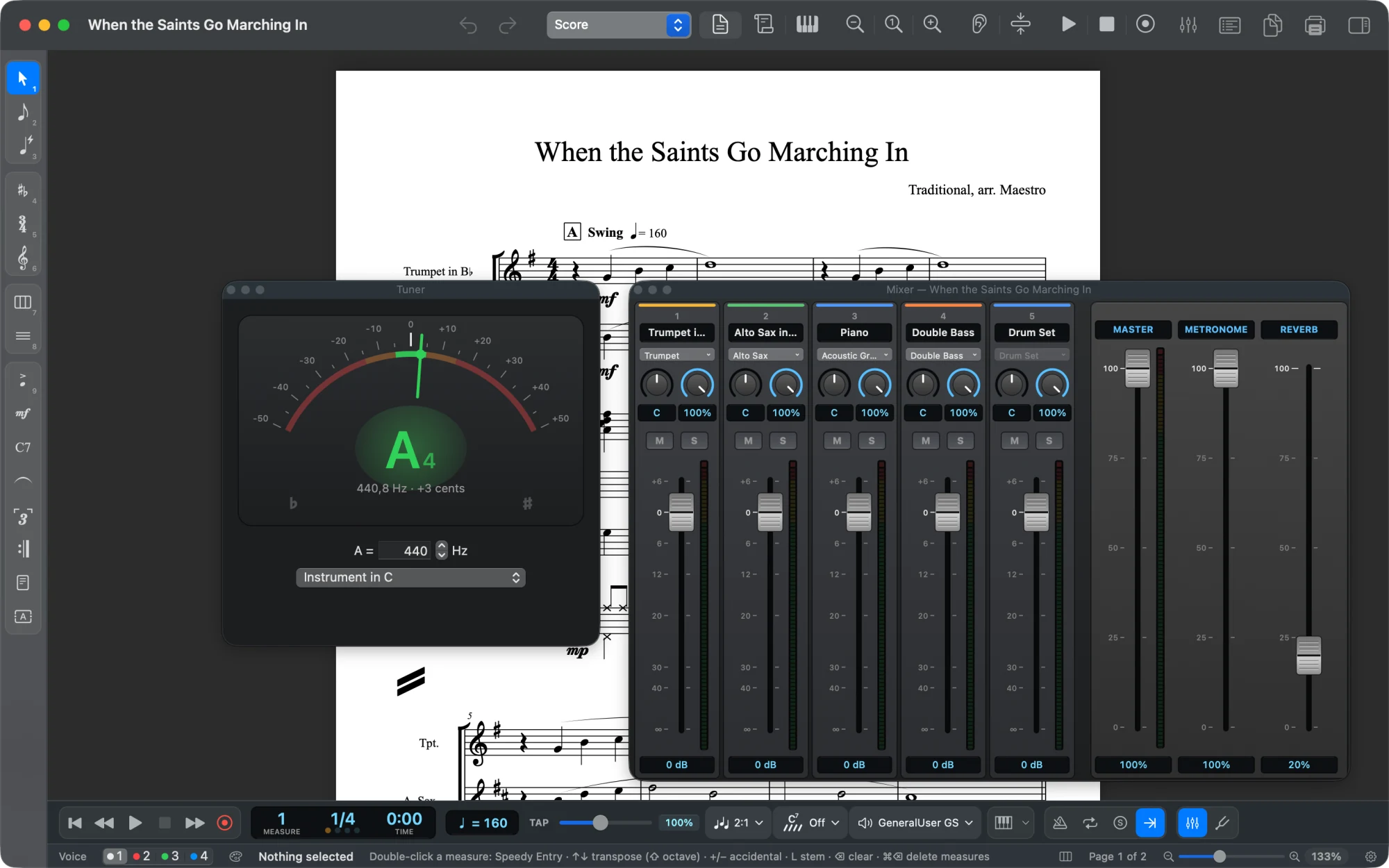
Where things are
What you used in Dorico, in Maestro.
Maestro follows Finale’s habits, but many of Dorico’s ideas have a clear place here too. On Windows ⌘ and ⌃ become Ctrl, ⌥ becomes Alt.
From the .dorico file
What comes across, and what to check.
Maestro reads the project saved by Dorico, with the titles and the system and page breaks of the full score. Anything it can’t import yet is listed in a message as soon as the file opens.
Comes into the score
- Players and instruments in score order, transposing instruments and percussion kits
- Flows as movements, with their titles and only the instruments that play in them
- Clefs, key signatures, time signatures, pickup measures, irregular measures and unmetered music
- Notes with their spelling, chords, rests and voices, cross-staff ones too
- Tuplets, grace notes, articulations, tremolos and ornaments
- Dynamics, hairpins, slurs, pedal, octave lines, glissandos and arpeggios
- Lyrics with their verses, text and playing techniques
- Tempo marks, metronome marks and repeats
- Titles and credits, system and page breaks
Worth checking
- Dorico doesn’t save note values, only durations: Maestro notates them with its own rules, so some notes may be written differently (tied instead of dotted, for example).
- Divisi, cues, instrument changes and harp pedal diagrams aren’t imported: the message tells you how many there are.
- Tempo changes that are hidden in Dorico and only used for playback don’t come across.
- Beaming, spacing and the placement of markings follow Maestro’s rules, not Dorico’s.
- Parts are rebuilt from the score: changes made only in the part layouts don’t come across.
Frequently asked questions
Before you switch.
Do I need Dorico installed?
No. Maestro reads .dorico files on its own, even on a computer without Dorico.
Does Maestro change my Dorico project?
No: it only reads it. The score becomes a Maestro document, and the .dorico file stays as it is.
Do I have to export to MusicXML first?
No: open the .dorico file directly. MusicXML is still handy for moving scores to and from other programs, and as an alternative if something in the project doesn’t come across as you expect.
Can I save as .dorico?
No: Maestro saves in its own format (.maestro). To take a score back to Dorico, use File → Export → Export MusicXML… and import the file into Dorico.
What about Sibelius files?
The version downloaded from this site opens those directly too, in beta; with the Mac App Store, Microsoft Store and iPad versions, export them as MusicXML from Sibelius. The “From Sibelius to Maestro” page explains how.
Does it work on Windows?
Yes. Opening Dorico projects works the same on Mac and Windows, and a score saved on one opens on the other.
Is Maestro really free?
Yes, with no limits, no subscription and no account. It updates itself when a new version comes out.
Open your first Dorico project.
Download Maestro, open a .dorico file and pick up where you left off.